





What is the Traffic Lights Indicator?
The Traffic Lights Indicator analyses the top 100 coins, which we've consistently made profits from over the past 3 years. We’ve fine-tuned our approach by thoroughly studying the market and its behaviour to optimise our algorithm.

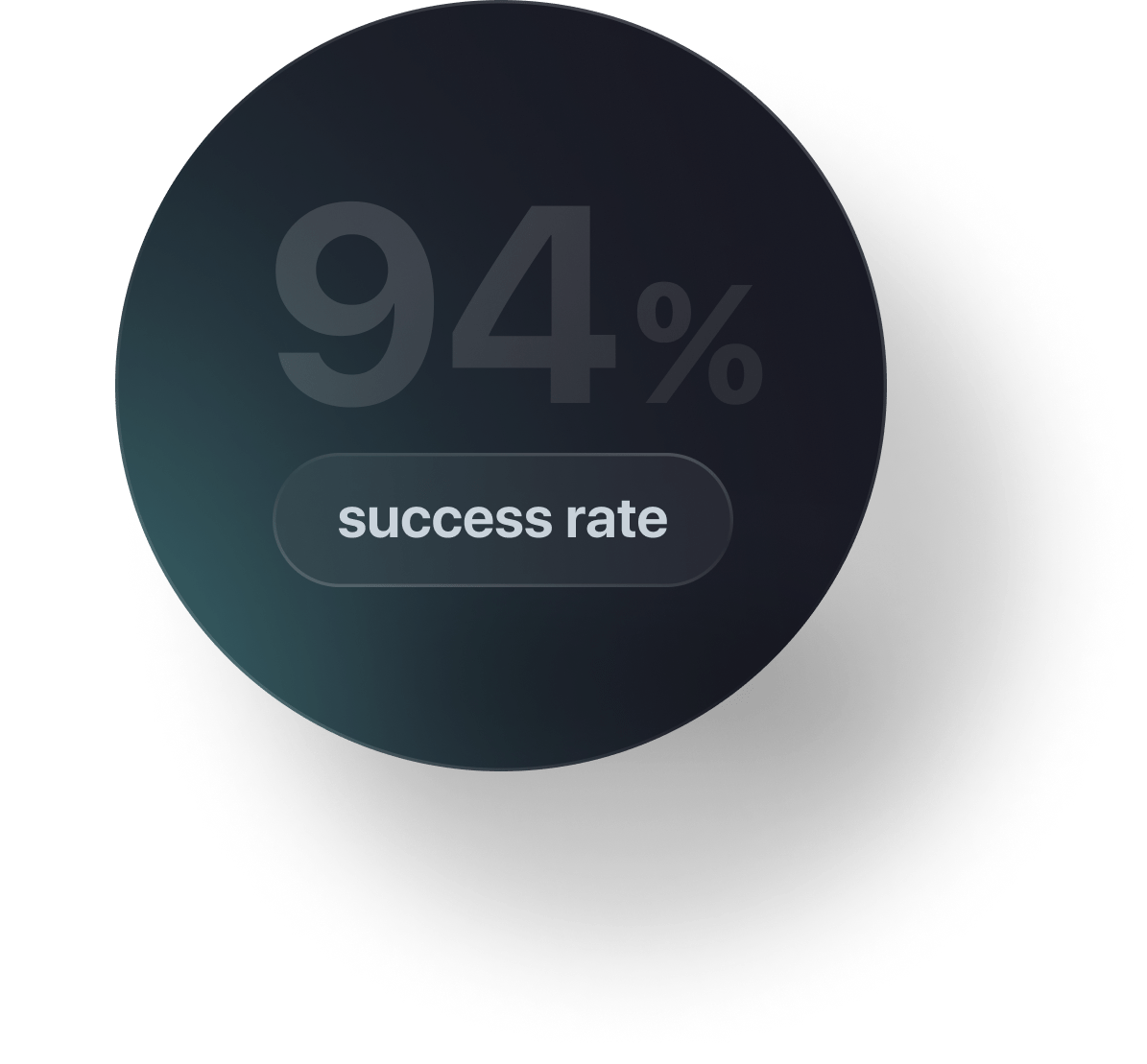
Indicator statistics for trading one of the coins:
The indicator works exclusively for spot trading, meaning you can’t lose all of your capital, unlike futures trading, where 99% of traders typically lose money.


How to Use the Indicator
You receive three types of signals:
Green - virtually no risk
Yellow - trades with minimal risk
Red - riskier trades that may show temporary losses
All you need to do is:
01/
02/
03/
Go to the exchange
Buy the asset at the specified price using the indicated percentage of your deposit
Set a take-profit (automatic closing of the trade when in profit)
You don’t need to analyse the market yourself. You receive ready-to-use trades in a clear format, which you simply need to replicate.



Why is Traffic Lights Safe?
You make the decision whether to enter a trade and control the risk level for each trade. The indicator doesn’t trade automatically and has no access to your funds or exchange account.

For each trade, we use only 1-5% of our total capital.
This means that you cannot lose all of your money in a single trade, unlike in futures trading.
This means that you cannot lose all of your money in a single trade, unlike in futures trading.

Even if a trade becomes unprofitable, we continue averaging the position, and sooner or later the trade turns profitable.

Additionally, you still have 95-99% of your capital, which you can use for other attractive trades.

If you're unsure about the indicator or afraid of losing money, you can start with a minimal test amount and enter trades with funds you’re comfortable risking.

This way, the indicator works within your personal risk tolerance.

Get your 3-day free access and start trading like a professional now.
(After you submit a request, our support team will contact you and provide access to the Indicator.)